BCODE AKYS "Assignment Management" Procedure
To manage assignments belonging to personnel, click the "Assignment Management" tab under the "Fixture Management" menu on the left side.
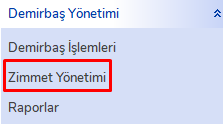
Assignment Management Operations
The "Fixture Assignment Operations" window will open.
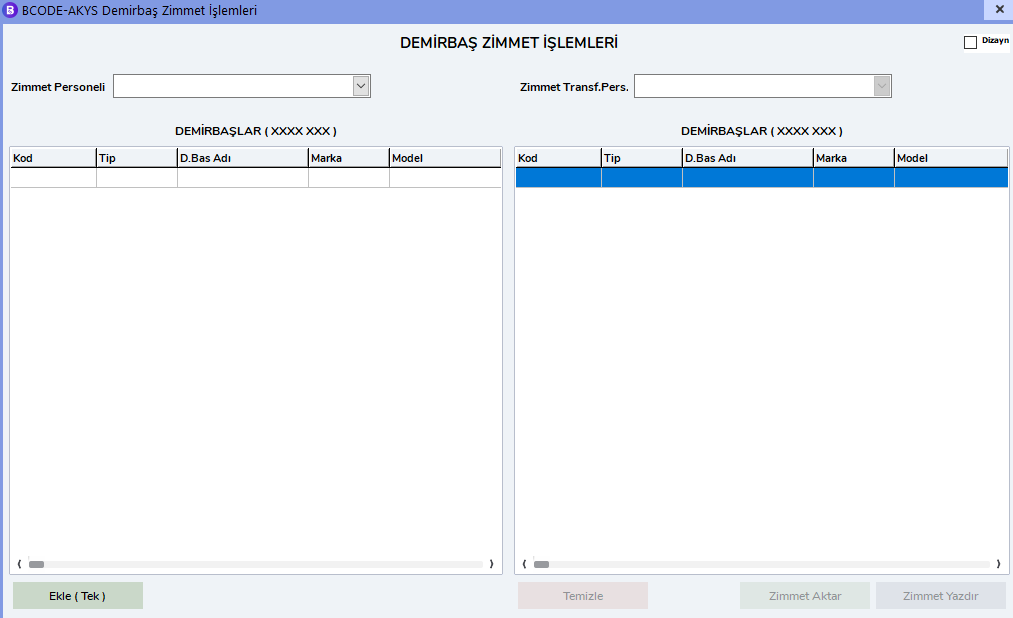
The assignments belonging to the personnel selected from the "Assigned Personnel" field on the left will appear with their information in the "FIXTURES" area. From the "Assignment Transfer Personnel" field on the right, select the personnel to whom the fixture will be assigned.
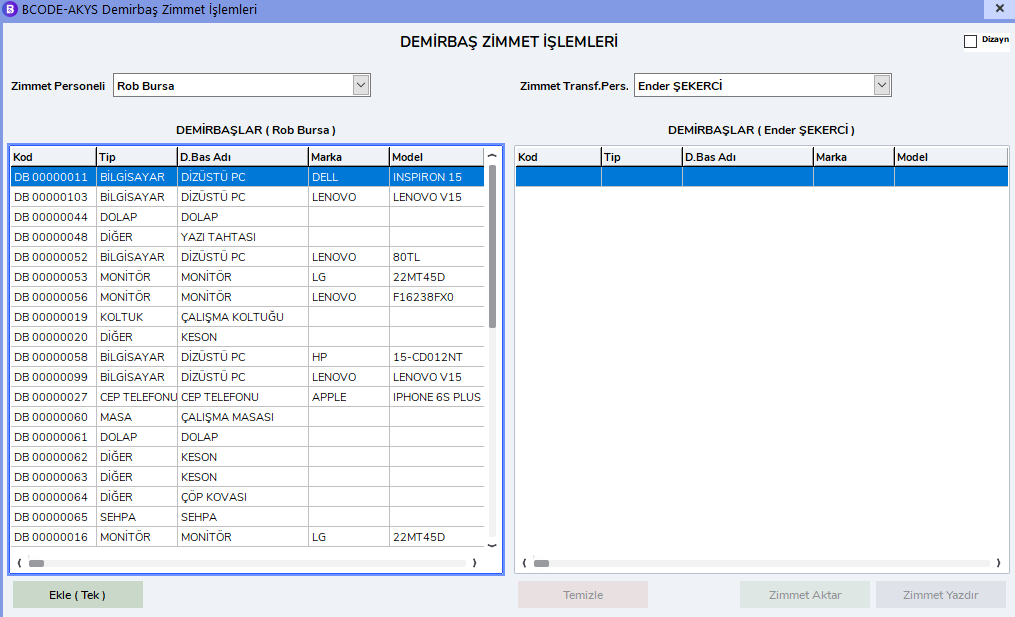
Double-click the related fixture listed on the left and move it to the list on the right.
Transfer and Print Assignment
The "Transfer Assignment" and "Print Assignment" buttons on the right side will become active. First, click the "Print Assignment" button to print the Assignment Form.
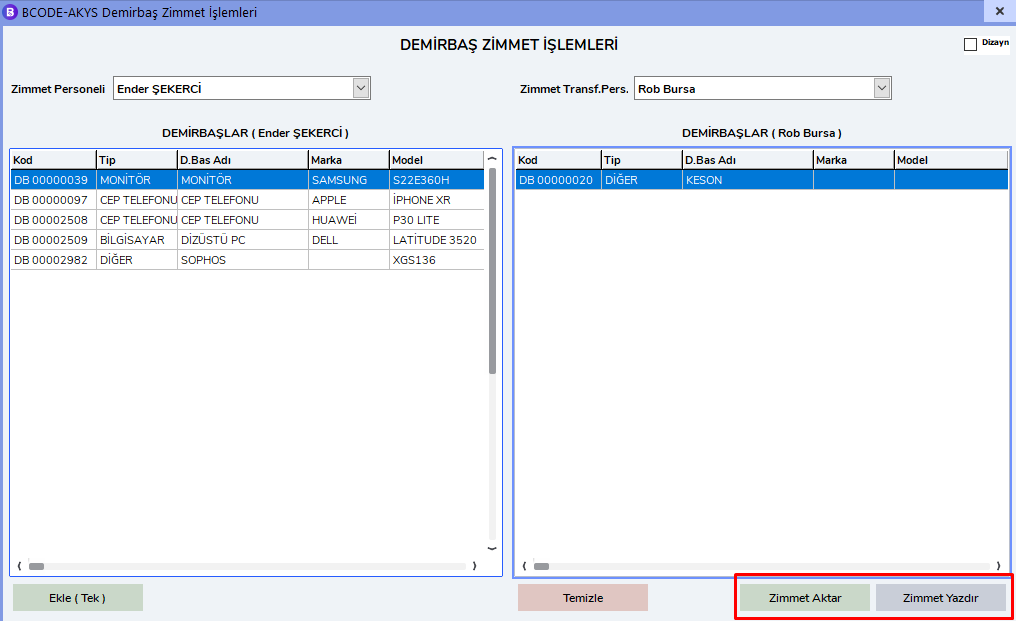
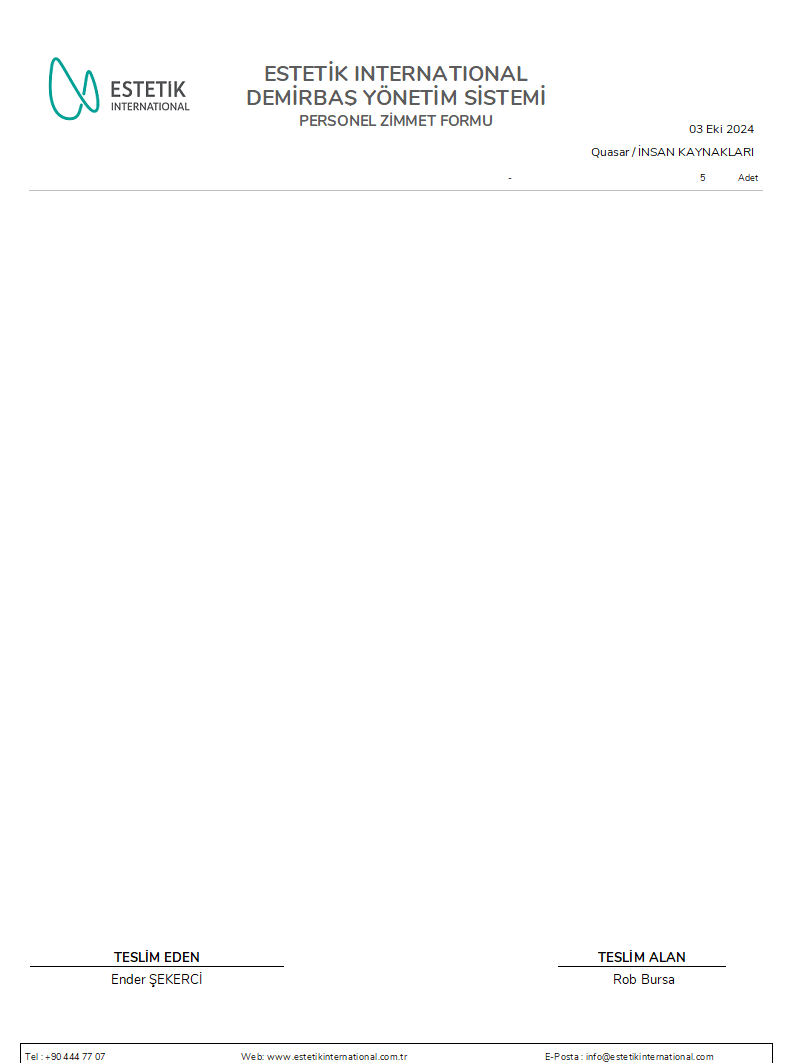
After printing, you can save it by clicking the "Transfer Assignment" button.