Login and Session Operations
2. Login and Session Operations
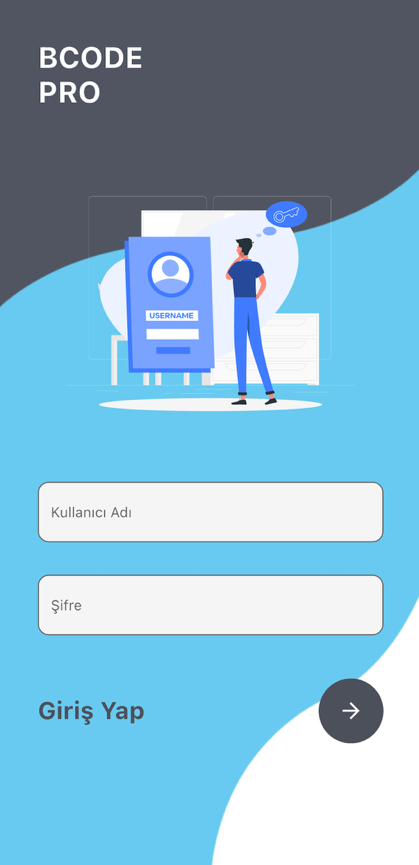
-
Open the application.
-
Enter your username in the Username field.
-
Enter your password in the Password field.
-
Tap the arrow icon on the Log In row.
-
If the information is correct, the Main Page opens.
If the application has previously stored the logged-in username and password on the device, it may attempt automatic login on startup.
If the username or password is incorrect, the application displays an error window. In this case, the information should be checked and login should be attempted again.
When Log Out is tapped from the menu, session information is cleared and the login screen is shown again. For restricted users, the logout icon may appear on the main screen or on the Customer Search screen.