BCODE AKYS "Institution Forms" Procedure
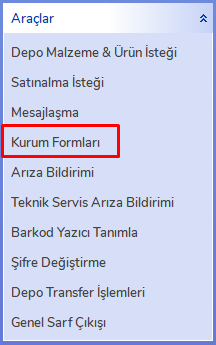
You can access all forms used within the institution by clicking the "Institution Forms" button on the BCODE AKYS login window or from the "Institution Forms" tab under the Tools menu on the left side.

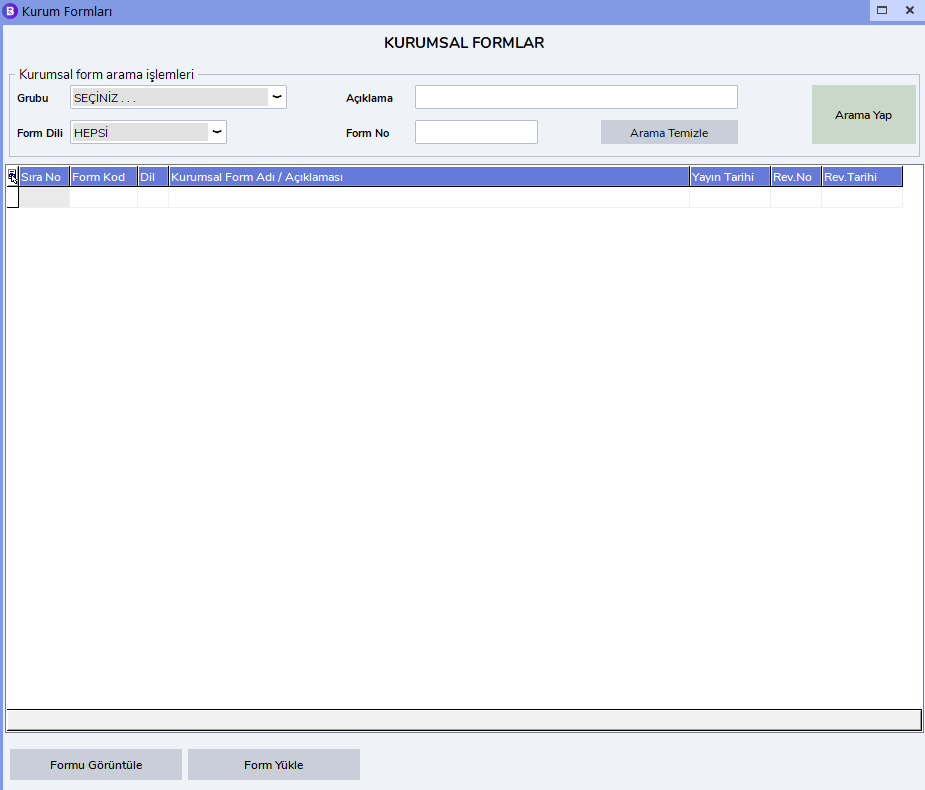
Institution Forms Screen
On this screen, you can download or print the forms used within the institution.
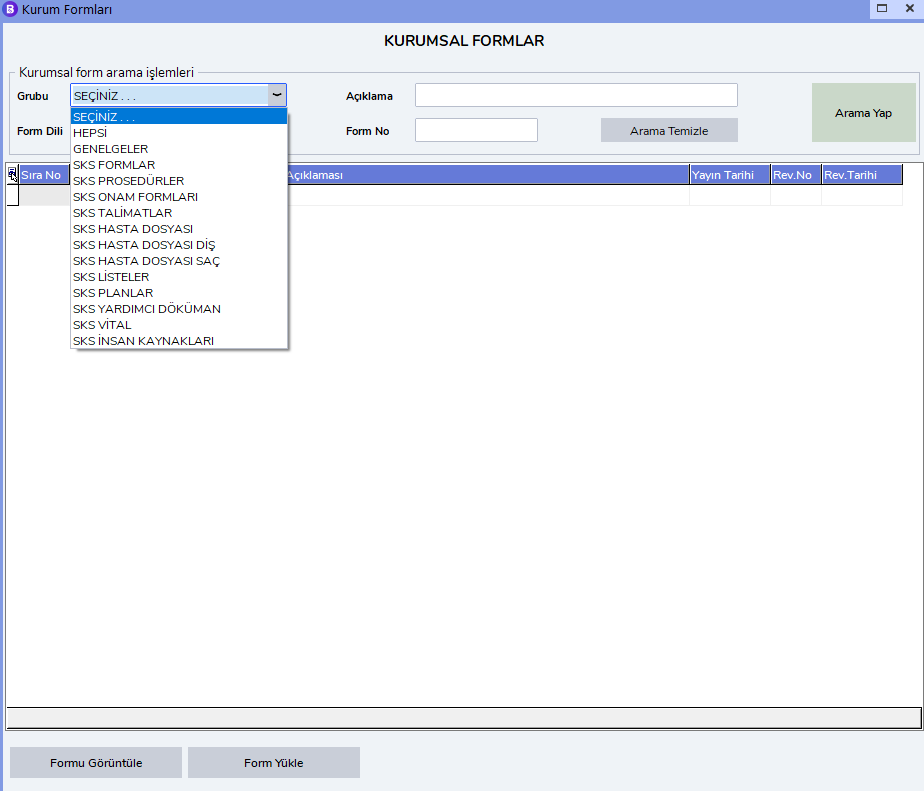
You can separate forms by their groups to access them more easily.
Language Selection
You can also filter institution forms by selecting a language. For example, to access English forms, select English from the language options.
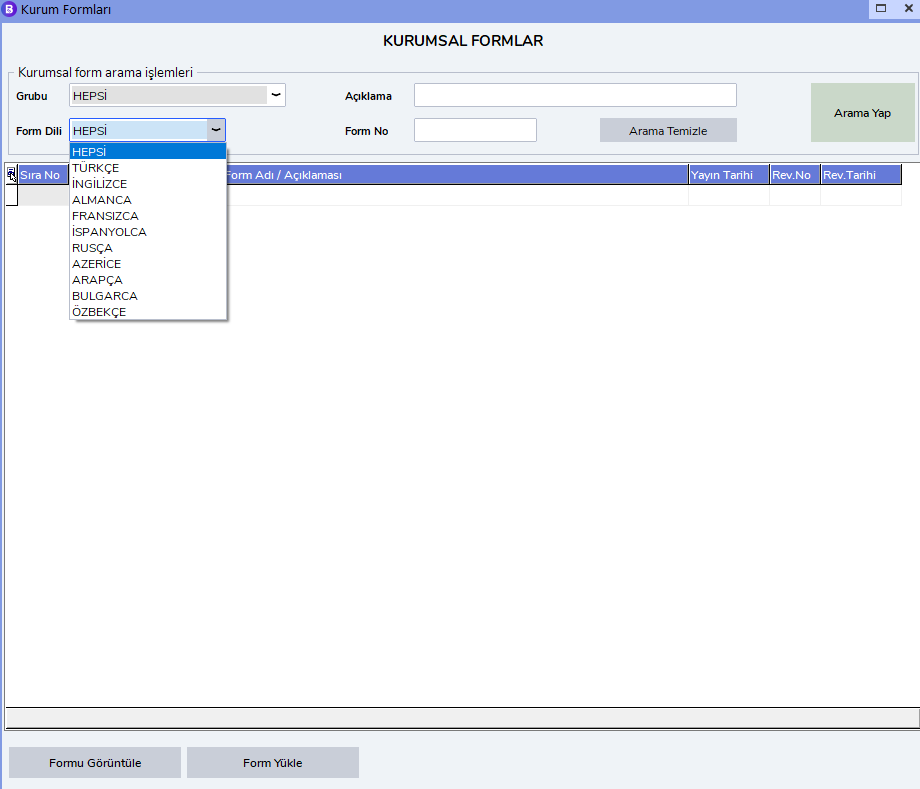
Example Usage
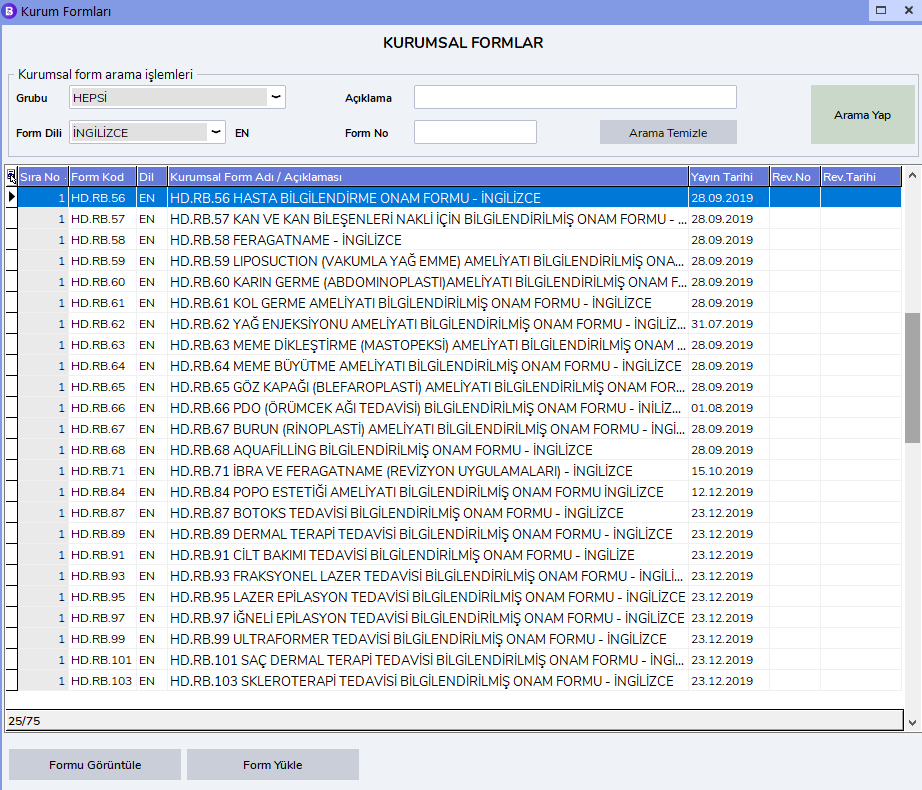
You can access all forms whose group is All and language is English in this way. To open the related form, double-click it and complete the process.