Main Page
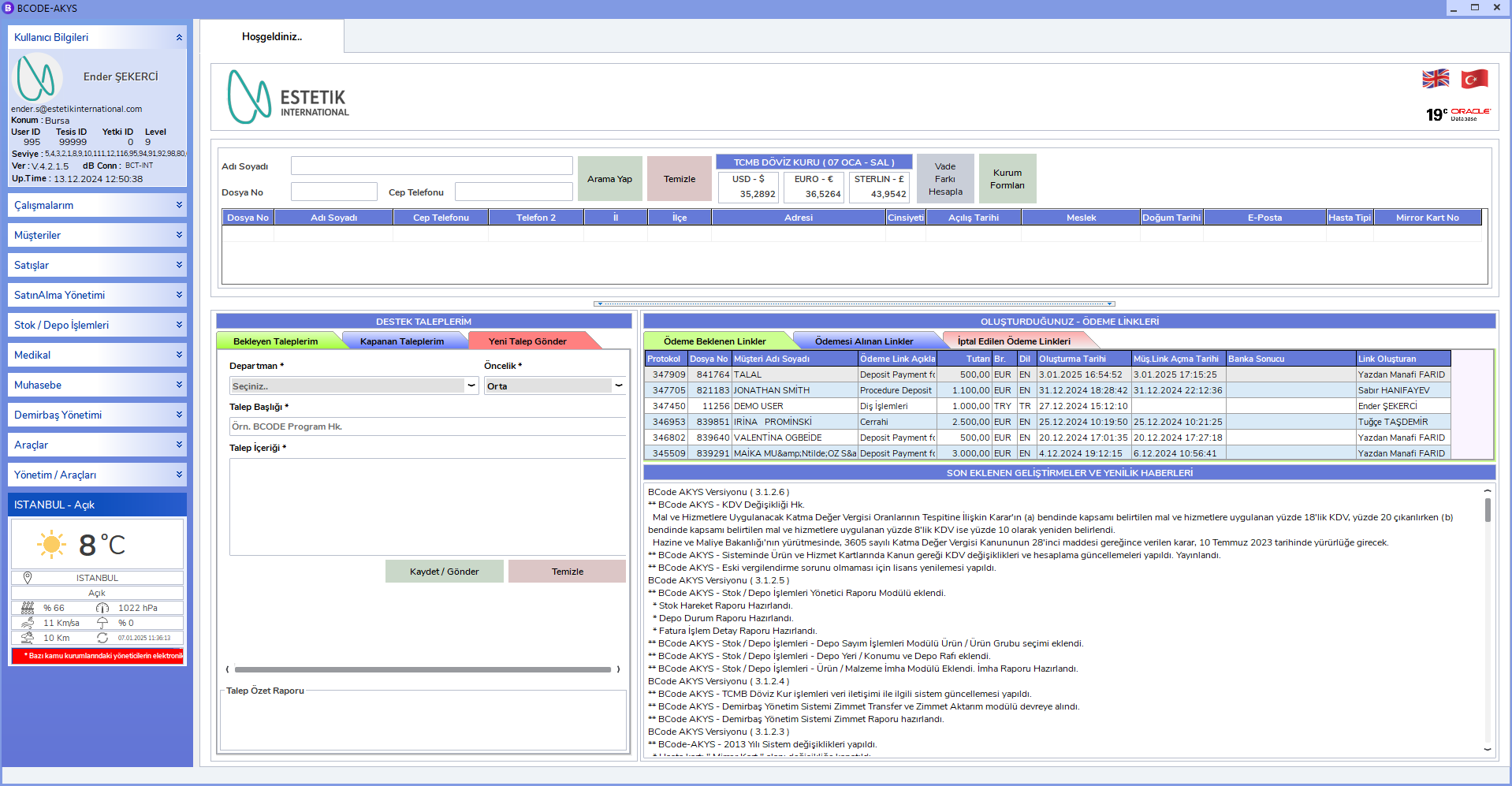
Welcome! In this guide, you can find step-by-step instructions about using BCODE AKYS.
Getting Started
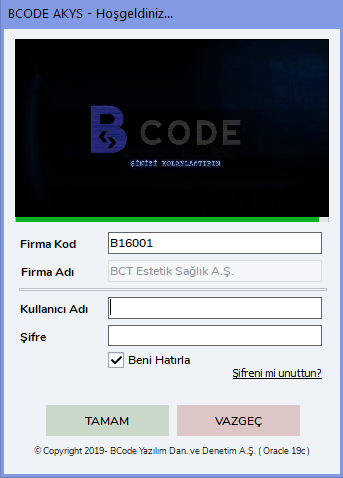
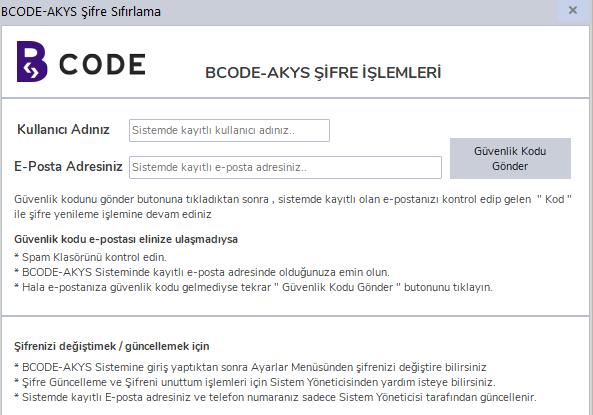
Information: If you are logging in to the system for the first time, visit the Forgot My Password page.
Quick Access
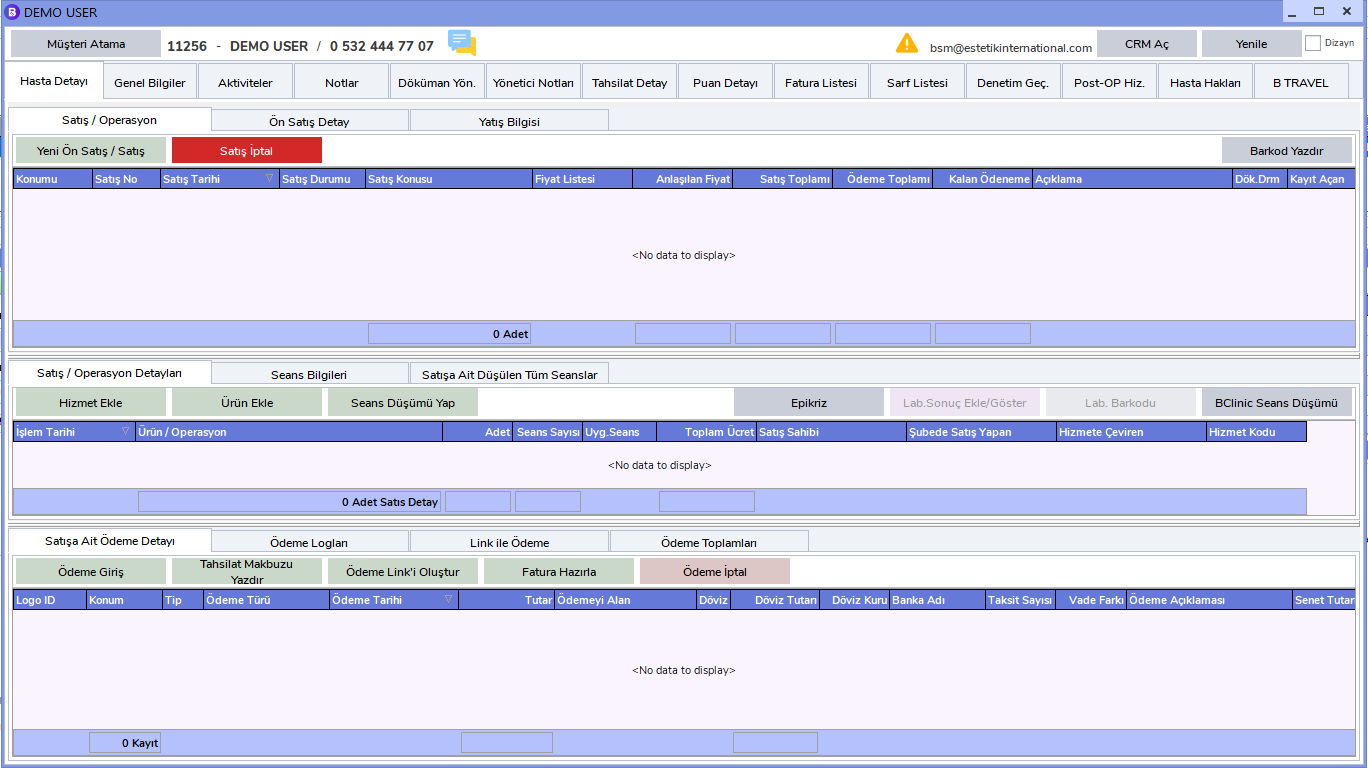
Patient Operations
Sales and Collection
- Pre-Sales - Sales
- Collection Entry
- Add Service
- Session Deduction
- Add Consumable Material
- Invoice Preparation
Patient Management
- Patient Admission
- Create Appointment
- Operation Calendar
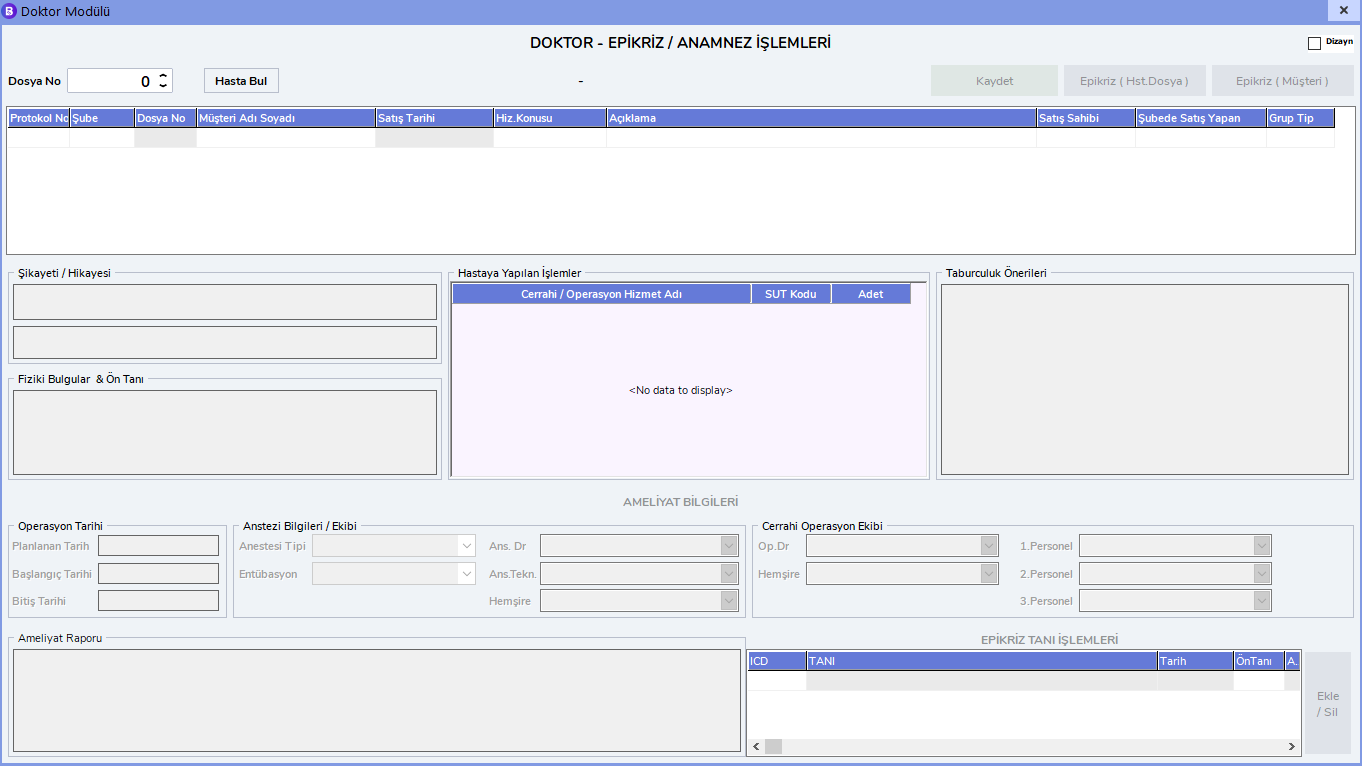
- Doctor / Epicrisis
- Inpatient
- Patient Transfer
Warehouse and Material Management
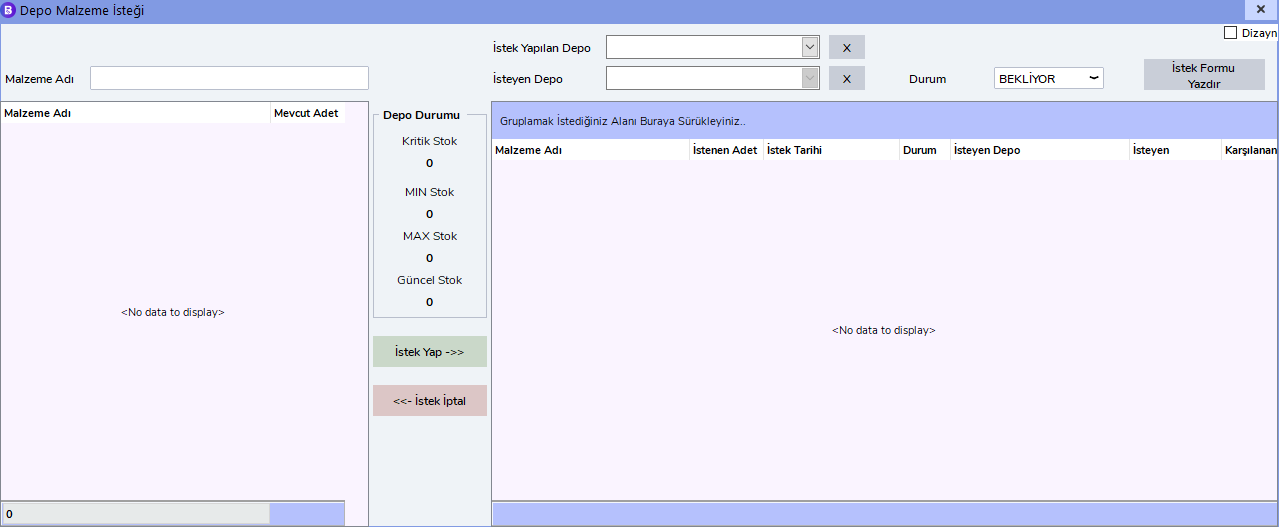
- Warehouse Material & Product Request
- Warehouse Transfer Operations
- Product & Material Management
- Cards & Invoice Entry
- Product & Warehouse Tracking
- Warehouse Request Fulfillment
- Warehouse Count Operations
Fixture Management
Manager Operations
Features
- Ease of Use: User-friendly interface and simple navigation.
- Patient Management: Manage patients' records, appointments and medical history.
- Reporting: Create detailed reports and analyses.
- Support: 24/7 technical support and help resources.
- Customizable Panels: Control and reporting screens specially designed for each user.
- Security: Full protection with advanced data encryption and authorization methods.
- Multi-Language Support: Easy access in the language preferred by users.
- Fast Integration: Optimize your business processes thanks to a structure that can easily integrate with other systems.
- Real-Time Notifications: Alerts and reminders that instantly inform users about important developments.
- Training and Documentation: Easy adaptation for new users with user guides and training materials.
- Data Backup: Prevent data loss with automatic data backup systems.
- Advanced Operational Calendar: Planning tool for appointments, surgeries and meetings.
- Fast Search Function: A powerful search engine that provides access to patient and record information within seconds.
Frequently Asked Questions
How can I reset my password?
To reset your password, you can follow the steps on the Forgot My Password Procedure page.
How can I log in to the system?
For login and first access operations, you can review the Forgot My Password Procedure and Change Password pages.
Images