BCODE AKYS "Fixture Operations" Procedure
To manage fixtures within the institution, click the "Fixture Operations" tab under the "Fixture Management" menu on the left side.
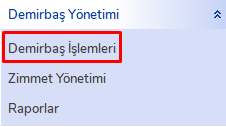
Fixture Operations Window
The fixture operations window will open. All fixtures registered within the institution will be loaded into the "Fixture List" section on the left side.
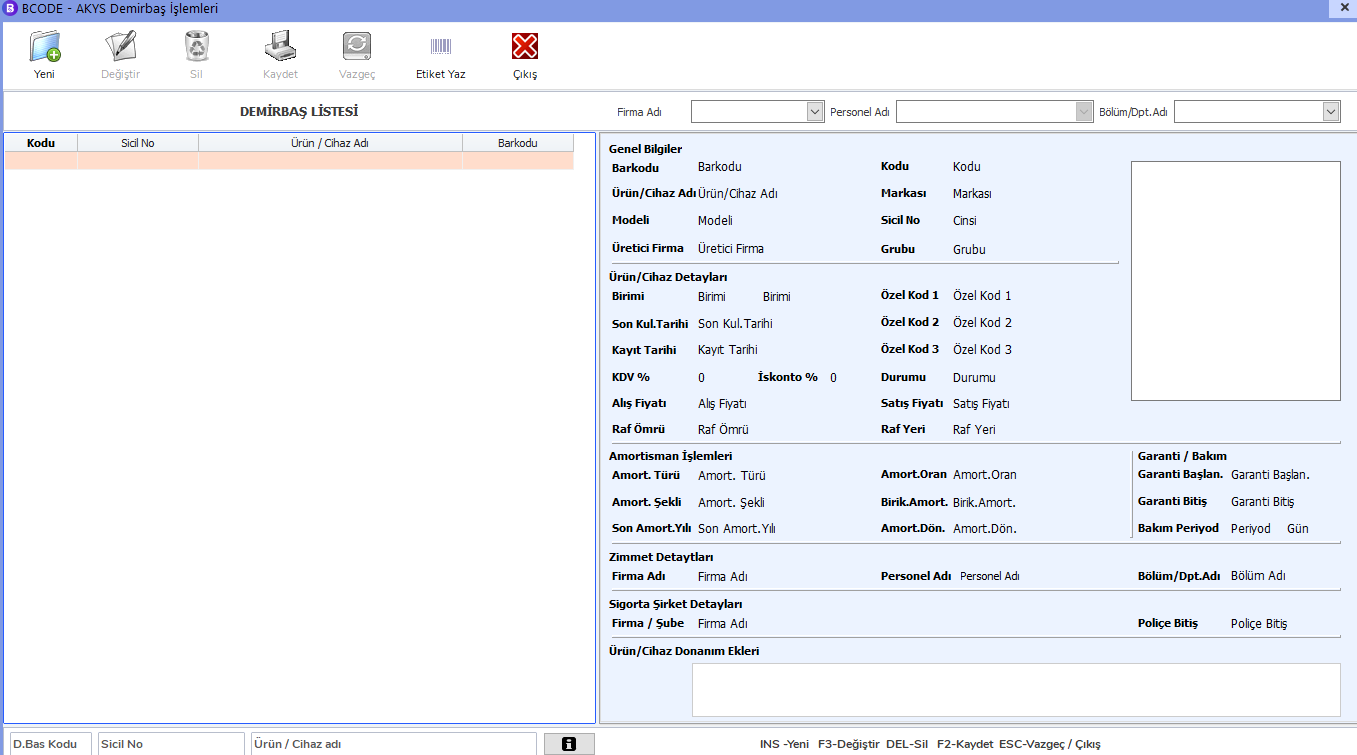
New Fixture Record
To create a new fixture record, click the "New" button on the upper left.
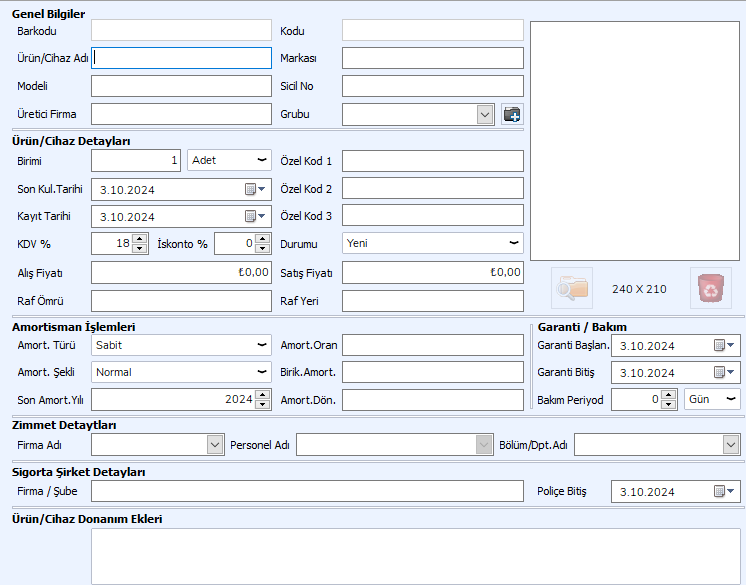
Enter the information belonging to the fixture in the required fields and click the "Save" button to add it to your fixture list.
With these steps, you can easily manage and track fixtures within the institution.